
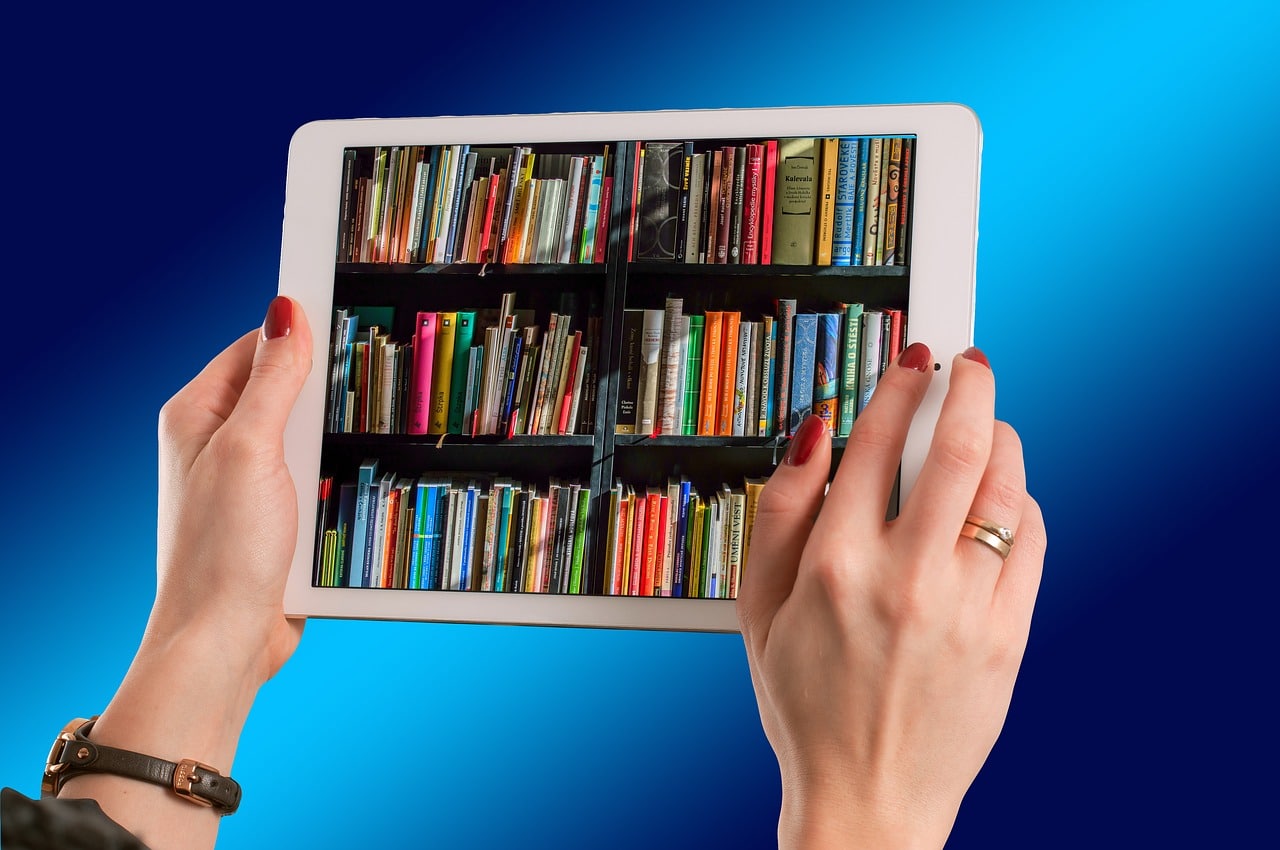

If you’re anything like us, then you impulsively download every eBook you can get your hands on. While there’s nothing wrong with being a book hoarder, your iPad may beg to differ with its maxed out storage. No need to panic, though. You can cycle out old stories to make room for new ones in just a few easy steps, according to Business Insider.
How to delete books from the iPad’s Books app
1. Start the Books app.
2. Tap “Library” in the toolbar at the bottom of the screen.
3. Find the book you want to delete from your iPad.
- If you see a single cover, tap the three dots below it.
- If the book is part of a series (you see a stack of books rather than a single cover), tap the cover to open the series and then tap the three dots.
4. In the pop-up menu, tap “Remove…”
5. Confirm you want to delete it by tapping “Remove Download.”
How to delete books from the iPad’s Kindle app
1. Start the Kindle app.
2. Tap “Library” in the toolbar at the bottom of the screen. To see only the books stored on your iPad, tap “Downloaded” at the top of the screen.
3. Find the book you want to delete from your iPad, then tap and hold the cover.
4. In the pop-up menu, tap “Remove from Device.”
Now that you have some empty digital shelves, be sure to check out our library of bestselling authors!



0 Comments